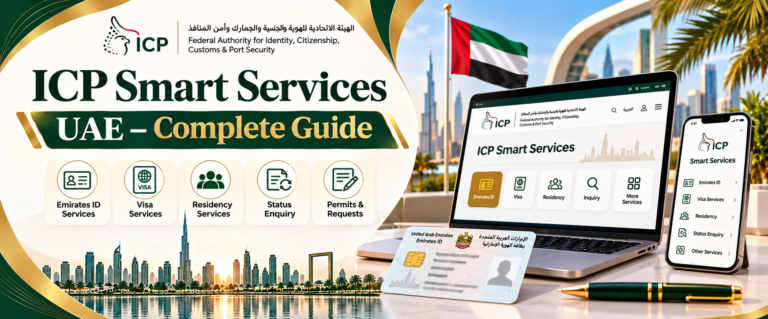
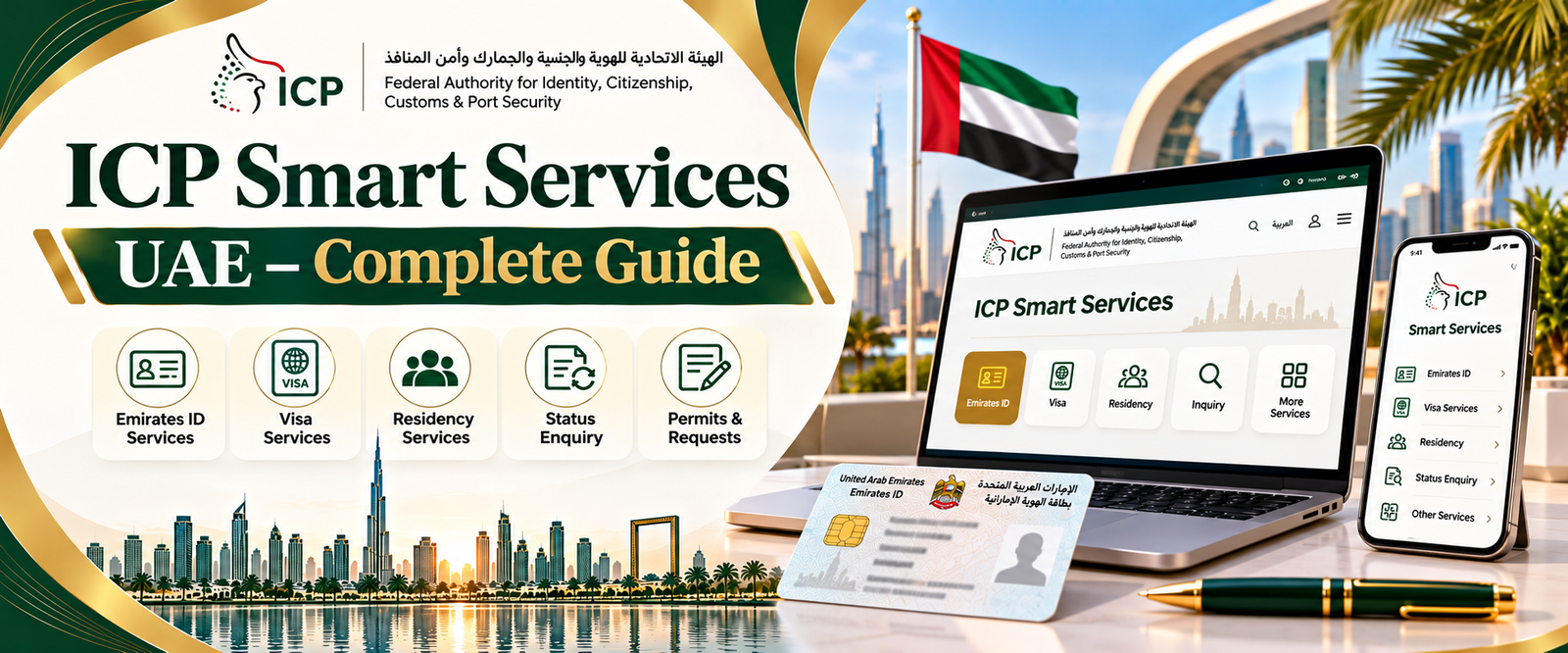
ICP Smart Services is the UAE government’s online platform for accessing a range of identity, visa, residency and related services. Residents, visitors and eligible business users can use it to find government services, submit applications and make enquiries without visiting a service centre for every transaction.
The official portal is available at smartservices.icp.gov.ae. Before starting, it helps to know whether your task requires UAE PASS login, a public enquiry or access through an employer or other authorized representative.
ICP Smart Services Official Website and Quick Access
The official ICP Smart Services website is https://smartservices.icp.gov.ae/. It is operated by the Federal Authority for Identity, Citizenship, Customs & Port Security (ICP).
You can also begin at the ICP government homepage, which provides service descriptions and directs users to the appropriate online channel.
The correct starting point depends on what you want to do.
For a new visa or residence-related application, first check the relevant service description on the ICP website. It explains the purpose of the service, available channels, eligibility conditions and applicable requirements.
If you want to check an application that has already been submitted, use the tracking route provided for that application. You may need the reference number from your submission receipt or confirmation.
Some public enquiry tools are available without completing a full sign-in process. Other services, including certain applications and account-specific transactions, require authentication through UAE PASS.
Avoid assuming that every enquiry must begin from your personal dashboard.
It is also worth checking the website address before entering personal information. Official ICP services use government-controlled domains, including icp.gov.ae and smartservices.icp.gov.ae
Do not enter your UAE PASS credentials, passport information or payment details on a website simply because it looks similar to the government portal. If you are uncertain about a link, return to the official ICP homepage and navigate from there.
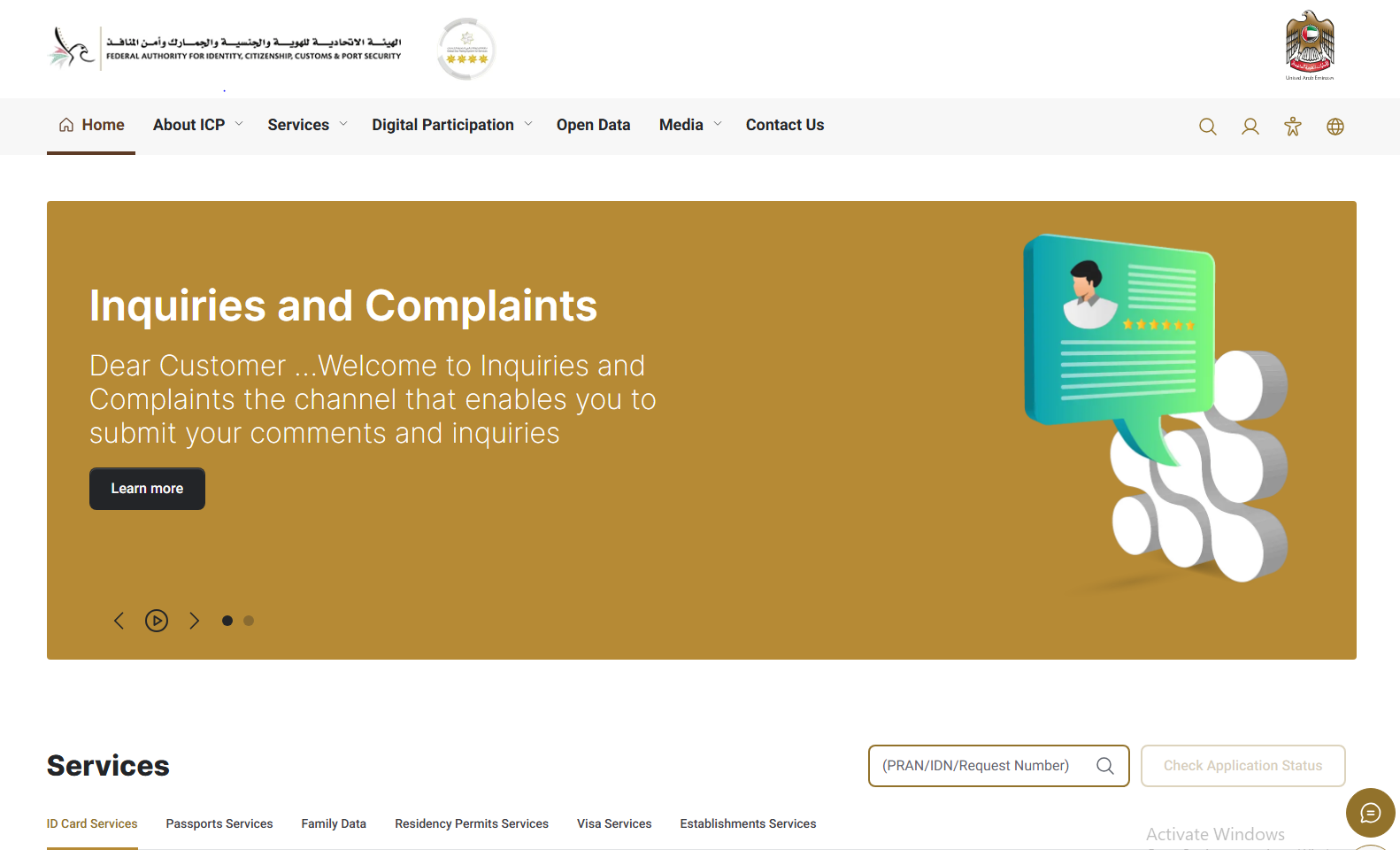
What Is ICP Smart Services in the UAE?
ICP Smart Services is an online service channel of the Federal Authority for Identity, Citizenship, Customs & Port Security.
The authority handles federal responsibilities involving identity, citizenship, passports, entry permissions and residency, alongside its other official functions.
Its digital services allow eligible users to complete transactions, review available government requirements and follow up on applications through supported channels.
The exact services available to someone depend on their circumstances. A visitor making a visa enquiry may need a different service from a resident renewing a permit. An employer managing establishment records may have additional authorization requirements.
Understanding that difference is more useful than treating the portal as one application form for every immigration procedure.
Is ICA Smart Services the Same as ICP Smart Services?
You may still encounter the name ICA Smart Services on older articles, documents or instructions.
ICA referred to the Federal Authority for Identity and Citizenship. The authority’s structure and official name subsequently changed, with the current federal authority known as ICP.
For present-day enquiries, use the current ICP official website rather than relying on an old ICA link or an outdated screenshot.
Older references to ICA may describe the same government’s earlier digital-service environment, but that does not mean every historical instruction still applies to today’s portal.
How to Log In to ICP Smart Services Using UAE PASS
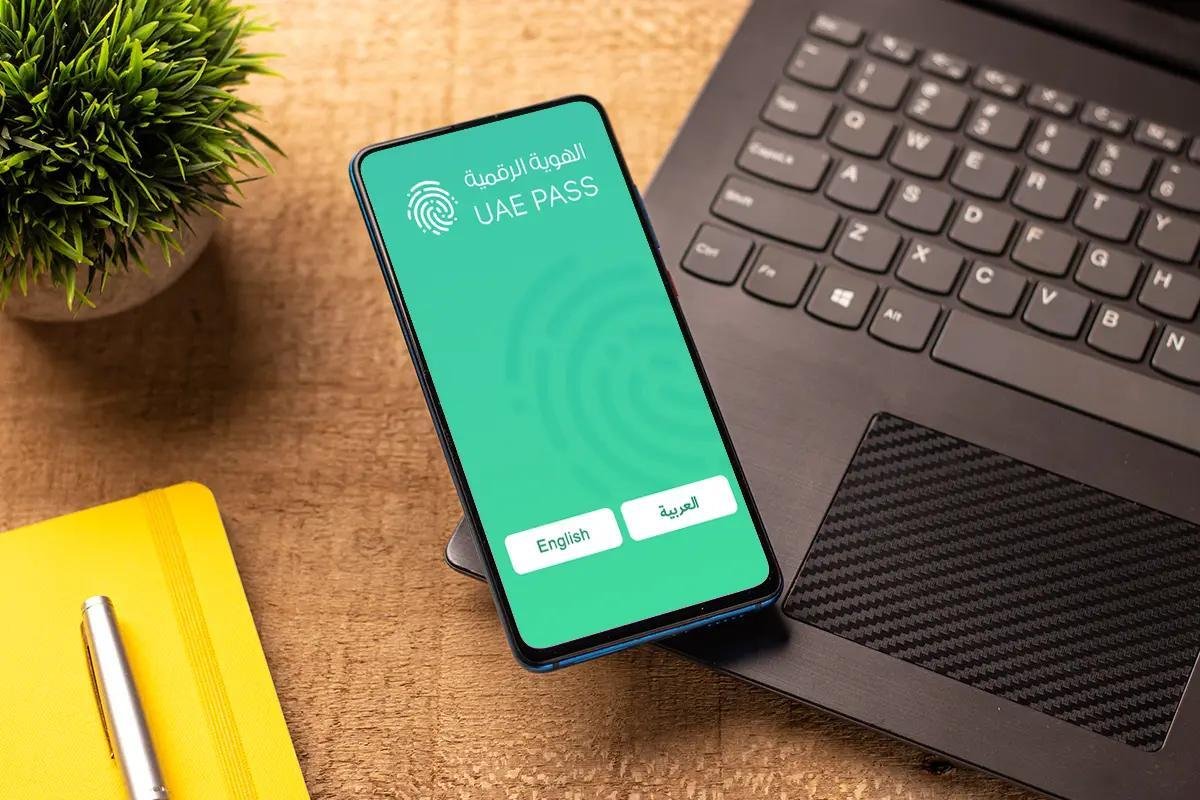
UAE PASS is the UAE’s national digital identity service. It allows eligible users to authenticate themselves when accessing participating government and other digital services.
For services that support it, UAE PASS can remove the need to maintain a separate username and password for every government portal.
It is important to understand that signing in successfully does not mean a visa application has been accepted or approved. Authentication confirms access to the service, while application decisions remain subject to the relevant authority.
ICP Smart Services Login Steps
For an ICP service that requires UAE PASS, the general process is:
- Open the official ICP Smart Services portal, or select the relevant service from the ICP government website.
- Follow the authentication option offered for that service.
- If UAE PASS is requested, use the official UAE PASS authentication process associated with your account.
- Review the request in your UAE PASS application and approve it only if you initiated the login.
- Once authenticated, continue to the eligible service or account area made available to you.
The exact screens may differ between the website, mobile application and individual service channels.
If you are only checking a public enquiry, first confirm whether sign-in is necessary. There is no benefit in creating an account for a task that the government already makes available through a public lookup.
If an unexpected UAE PASS approval request appears on your phone, do not approve it. Someone else may be attempting to initiate access.
What If You Do Not Have a UAE PASS Account?
You can learn how to create an account through the official UAE PASS guidance published by the UAE Digital Government.
For UAE citizens and residents, registration generally involves an Emirates ID, an active UAE mobile number and identity verification. The official process may offer facial verification or another supported verification method.
Visitors without an Emirates ID may also be able to create a UAE PASS account using an accepted travel or identity document, subject to the available verification process.
After registration, the account can be used with participating services according to the access level and eligibility granted.
However, creating a UAE PASS account does not automatically make every ICP transaction available. A particular service may require a sponsor, an authorized establishment user or additional supporting information.
For UAE PASS-specific assistance, the UAE Government lists the help desk number 600 561 111.
How to Register for ICP Smart Services
People searching for ICP Smart Services registration may be trying to do different things.
Some want to sign in for the first time. Others need access to services for a company. Some want to check an existing application.
These situations should not be treated as one universal registration process.
The most sensible starting point is to identify the government service you need. Its official description should indicate the access channel and any authentication or authorization requirements.
Registration for Individual Users
For individual users, start with the official service rather than assuming a new ICP account is always required.
Where UAE PASS authentication is supported, an eligible user can sign in through that method and continue to the service.
Before submitting an application, check whether it is intended for the applicant, a sponsor or another authorized person.
For example, someone applying for a family-related residence service may need to satisfy sponsorship conditions. An employee whose company handles residency procedures may not be the person authorized to submit the relevant application.
Identity verification, portal authentication and service eligibility are separate matters. Completing one does not establish the others.
ICP Smart Services Access for Companies and Establishments
Businesses may use ICP-related services to manage eligible establishment records and immigration requirements.
An establishment card is one example. ICP describes this as an electronic record containing details such as the trade name, licence number, partners and activity information.
The official establishment card service also identifies specific authorization requirements. For example, it refers to authorized signatories and states that free-zone companies must submit the relevant request through their respective free-zone authority.
This means business users should not assume that every establishment service can be accessed or submitted directly through an employee’s personal account.
Before proceeding, the business should confirm its licence details, the responsible authority and who is permitted to act on its behalf.
Some businesses also seek administrative assistance when dealing with company formation and related documentation. Incorpyfy is a UAE business setup consultancy offering company formation and business support services. Businesses considering such assistance should confirm which tasks the provider handles, whether separate government fees apply and which approvals must come directly from the relevant authority.
What Services Are Available on ICP Smart Services?
ICP provides several categories of government services through its website, smart platform and official application.
Not every service is available to every person. Requirements depend on citizenship, residency status, sponsorship, issuing authority and the type of request.
Visa and Residency Services

ICP’s published service catalogue includes entry permits, eligible visa extensions, residence permit issuance, renewals, amendments and cancellations.
For example, the authority’s visa issuance service covers entry permits for purposes such as tourism, visits, treatment and completing certain residency procedures.
Separate services are available for eligible residence permit applications and renewals.
The application route may differ depending on whether someone is applying personally or through an employer, sponsor or authorized service provider.
Before choosing a service, check that its purpose matches your situation. A tourist entry permit, employment-related residence procedure and family sponsorship application are not interchangeable.
Emirates ID and Identity Services
ICP also manages Emirates ID services, including eligible new applications, renewals, replacements and identity-related updates. Some enquiries can be completed through public tools, while certain transactions require authenticated access.
These services are connected to the wider ICP platform, but checking the progress of an identity card is different from verifying a residence visa.
For detailed instructions covering application references, card processing and delivery, read Vision 21’s guide on how to check Emirates ID status online in the UAE.
Use the official ICP service appropriate to the specific identity-related request.
ICP Fines, Payments and Other Government Services
Depending on the service, ICP also provides fine enquiries, payment facilities and other administrative transactions.
The UAEICP mobile application includes access to available fines and payment-related services.
However, a fine is not necessarily the same as a service fee. The amount payable can depend on the immigration category, type of transaction, current regulations and circumstances of the applicant.
Before making a payment, review the official service description and the amount shown by the government system.
Keep the transaction receipt. It may be needed if a payment is completed, but the application does not immediately reflect it.
How to Apply for a UAE Visa Through ICP Smart Services
Applying for a UAE visa begins with choosing the correct service and confirming which authority handles the application.
Not every visa category allows the applicant to submit a request independently. Some applications must be managed through a sponsor, employer or other authorized channel.
For eligible ICP services, the authority’s published procedure generally includes entering the application information, reviewing available details, supplying documents when required and paying the applicable fees.
Documents and Information You May Need
Required documents differ by visa category and applicant circumstances.
Depending on the service, relevant information may include passport details, a photograph, applicant contact information, sponsorship details or supporting documents connected to the reason for travel or residence.
Some applications may also involve information relating to an employer, family sponsor or establishment.
Do not assume that a checklist for one visa category applies to another.
The official ICP visa issuance service allows users to review applicable conditions and document requirements for the relevant category.
Check those requirements before uploading files or making a payment. Incorrect or incomplete information may result in a request for amendments or further supporting documents.
Submitting and Following Up on Your Visa Application
For a service that you are eligible to submit, follow this general sequence:
- Identify the responsible authority. Confirm whether the application belongs with ICP or another immigration authority, such as GDRFA Dubai.
- Select the relevant service. Review the official description, eligibility and available application channels.
- Prepare the information requested. Use current, accurate details and any documents applicable to that visa category.
- Complete the official submission process. Review information carefully before final submission.
- Check the displayed charges. Pay through the authorized channel when payment is required.
- Keep the confirmation. Save the official receipt and application reference for future enquiries.
Submission does not guarantee approval.
If an employer or sponsor is responsible for the application, ask for the appropriate official reference and confirmation once the request has been submitted.
Avoid starting a duplicate application merely because you have not received an immediate update.
How to Check UAE Visa Status Through ICP Smart Services
The phrase ICP visa status can refer to several different enquiries.
Someone waiting for a new visa decision needs application tracking. Someone who already holds a visa may want to confirm its expiry date. Another person may need confirmation that a cancellation request has been completed.
These questions should be handled separately.
How to Track a Submitted Visa Application
Application tracking helps establish the progress of a request that has already been submitted.
Start with the official tracking instructions provided by the government channel used for the application.
Check the confirmation receipt for the relevant request or application number. Enter only the reference accepted by that particular enquiry service.
For immigration applications associated with Abu Dhabi, Sharjah, Ajman, Umm Al Quwain, Ras Al Khaimah and Fujairah, the UAE Government directs users to ICP for the relevant visa tracking.
If your application was submitted by a travel agency, employer, sponsor or authorized service centre, request the confirmation details from that provider.
An application submitted through another person’s or organization’s account may not appear in your personal account history.
If the record cannot be located, confirm the issuing authority and application reference before assuming the request has been rejected.
How to Check Existing Visa Validity
Visa validity is different from application tracking.
A validity enquiry concerns an already issued visa or entry permit. It may help establish the recorded issuance and expiry dates through the relevant official government service.
The UAE Government directs users with visas issued through the six emirates outside Dubai to the applicable ICP validity service.
For Dubai-issued immigration records, users should check through GDRFA Dubai.
You may need identifying details or a reference accepted by the enquiry page.
Do not use an Emirates ID card application result as proof that a residence visa remains valid. Identity-card processing and immigration validity are separate checks.
If the record is unclear, contact the responsible immigration authority rather than relying on an unofficial visa-checking website.
How to Check Visa Cancellation Status
Visa cancellation is another distinct process.
A person might need to know whether a sponsor has requested cancellation, whether the authority has completed it or whether any further action is outstanding.
ICP provides an official residency permit cancellation service, but the appropriate enquiry route depends on the application and issuing authority.
If an employer or sponsor handled the cancellation, request the official cancellation confirmation or reference from that party.
Check the relevant authority’s available application information and any notification issued after processing.
Do not assume that verbal confirmation from a third party means the immigration record has already been updated.
If the cancellation date affects your permitted stay, seek clarification from the relevant government authority. Grace periods and immigration conditions can differ by residence category.
ICP vs GDRFA Dubai: Which Portal Should You Use?
ICP and the General Directorate of Residency and Foreigners Affairs in Dubai, commonly known as GDRFA Dubai, have different responsibilities for certain immigration enquiries.
The UAE Government’s official visa guidance directs applicants as follows:
For Abu Dhabi, Sharjah, Ajman, Umm Al Quwain, Ras Al Khaimah and Fujairah, applicants should use ICP’s relevant visa application tracking and validity services.
For Dubai-issued visas, applicants should use the appropriate GDRFA Dubai service.
Consider someone whose residence visa was issued in Sharjah. That person should begin with the relevant ICP immigration enquiry.
Someone holding a Dubai-issued residence visa should instead check the appropriate GDRFA Dubai channel for that visa record.
The deciding factor is the responsible issuing authority, not simply where the person happens to be living or travelling when making the enquiry.
GDRFA Dubai’s website includes services for entry permits, residence permits, cancellations and visa validity checks.
It is also important not to apply this regional distinction to every government task. Emirates ID services remain under ICP’s federal identity functions.
If you are unsure which authority issued the visa, check your official application documents or contact the party responsible for submitting the request.
Useful official websites:
UAE Government visa application and validity guidance
How to Use the UAEICP Mobile App
ICP also offers an official mobile application called UAEICP.
The app gives eligible users another way to access identity, immigration and other supported services from a phone.
According to ICP’s published app information, available features include UAE PASS authentication, application tracking, notifications, a digital document wallet and access to supported government transactions.
The app also provides services related to visas, residency and applicable payments.
You can find it through these official listings:
UAEICP for Android on Google Play
UAEICP for iPhone and iPad on the Apple App Store
Before installing, check the app name and government publisher details rather than relying on an unofficial download website.
Once installed, follow the current authentication instructions and choose the service relevant to your needs.
Available features can differ according to account eligibility, device compatibility and service requirements.
If a transaction is not available through the app, check whether ICP provides it through the official website or another approved channel.
Common ICP Smart Services Problems and Solutions
An unsuccessful login or missing application record does not always indicate a problem with the underlying government request.
The first step is to identify whether the issue concerns authentication, the enquiry route, the submitted application or payment confirmation.
UAE PASS Login or OTP Not Working
If you cannot sign in, begin by checking whether the problem occurs in UAE PASS itself or only when returning to the ICP service.
Make sure you are using the official application and that your device has a working internet connection.
Check whether the authentication request shown on your phone matches the login you initiated.
If the account requires identity verification or updated information, follow the official UAE PASS instructions.
For a continuing authentication issue, contact the UAE PASS help desk at 600 561 111.
If UAE PASS works but the required ICP service remains inaccessible, contact ICP support with a description of the problem. Do not share your PIN, password or OTP.
ICP Visa Application Status Not Found
If an enquiry produces no result, check the information before submitting another request.
Confirm that:
- The reference belongs to the correct application.
- You are using a visa enquiry rather than an unrelated identity-card tracking service.
- The issuing authority is correct.
- The original submission was completed successfully.
If a sponsor, employer or agency submitted the application, ask that party for the official reference and submission confirmation.
A missing record is not by itself proof of approval, rejection or cancellation.
If the details appear correct but no record is available, use the relevant government support channel.
Payment or Application Submission Problems
Payment difficulties require extra care because repeating a transaction may create an unnecessary second charge.
If the page shows an error after payment, first check whether a confirmation, receipt or transaction reference was generated.
Review any official notification associated with the transaction and, where appropriate, check whether your payment provider shows a completed charge.
If money was deducted but no confirmation appears, contact ICP through its authorized support channel before attempting to pay again.
For an application that was interrupted before completion, check whether the government system recorded a submitted request.
Avoid repeatedly creating new applications simply because the screen did not update immediately.
For official assistance, visit the ICP contact page or call 600522222 from within the UAE.
Frequently Asked Questions About ICP Smart Services
Can tourists and visitors use ICP Smart Services?
Yes, visitors can access relevant services or enquiries when they meet the conditions of the selected service. However, not every transaction is available to every visitor, and some applications may need to be submitted by a sponsor or authorized provider.
Can certain ICP enquiries be completed without UAE PASS?
Yes. Some public enquiry services do not require the same authenticated access as an application submission. The exact requirement depends on the government service being used.
What if my employer submitted my visa application?
Ask the employer or authorized representative for the official application reference and confirmation. Use the appropriate government tracking route, or request an update from the submitting party if the application is not accessible through your account.
Can I use the UAEICP app instead of the website?
The official app supports a range of ICP services, including eligible identity, visa and residency transactions. Availability varies by service and user authorization. If you cannot find a transaction in the app, check the ICP website.
What should I check before paying an ICP service fee?
Confirm that you are using an official government service, that the application category is correct and that the charges shown belong to your transaction. Save the payment receipt and avoid repeating a payment when its status is uncertain.
How can I contact ICP Smart Services for help?
ICP provides assistance through its official contact page, website channels and call centre. The published number within the UAE is 600522222. Have the relevant application reference ready when requesting assistance.
Conclusion
ICP Smart Services gives eligible UAE residents, visitors and businesses access to a broad range of official government services. The most useful approach is to begin with the correct government portal, identify the specific transaction and check whether authentication or an authorized representative is required.
For immigration enquiries, distinguish a pending visa application from the validity of an issued visa, and confirm whether ICP or GDRFA Dubai handles the record.
Always rely on current official service instructions for eligibility, fees and required documents.